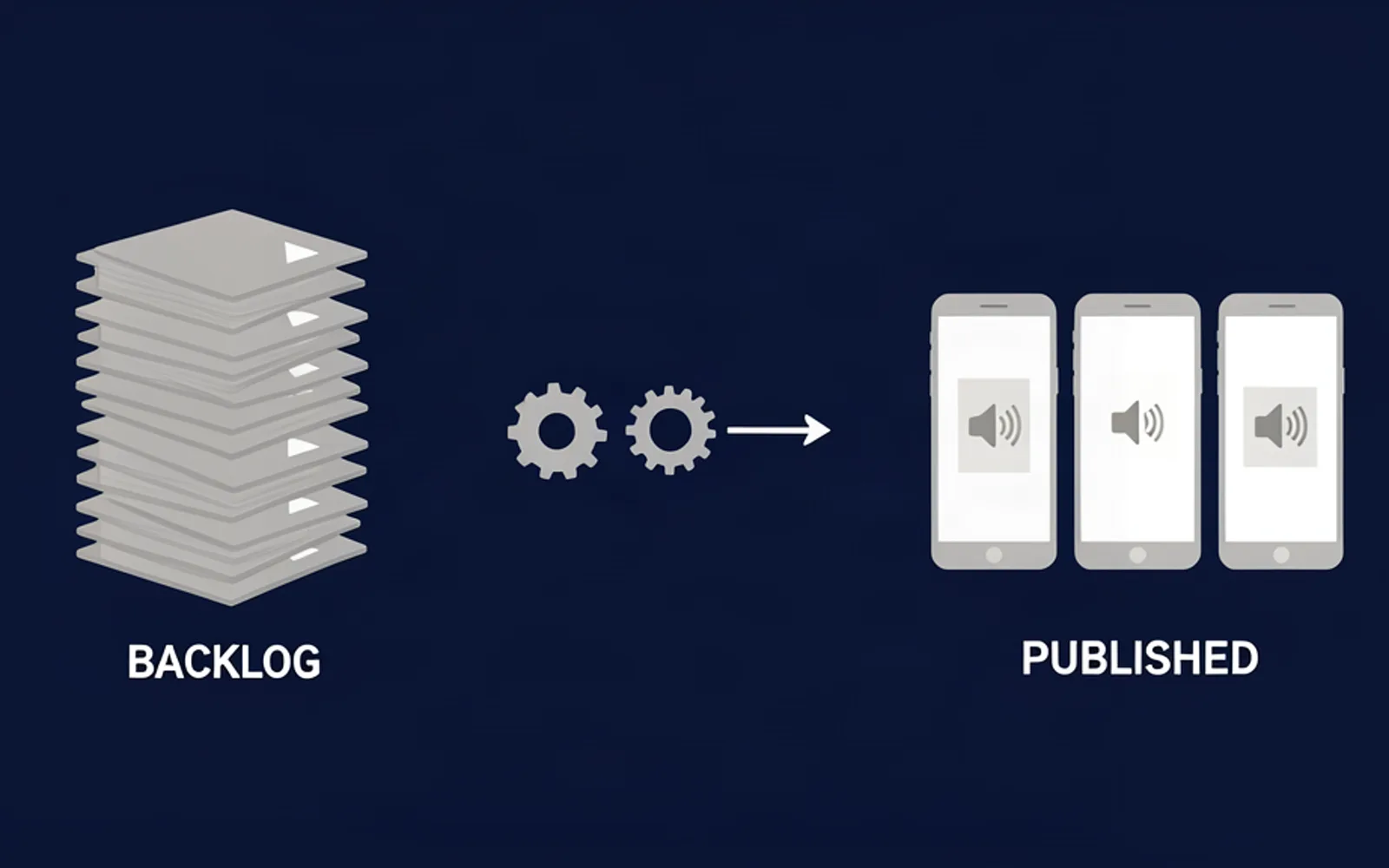
A clip backlog clears in batches, not one video at a time: freeze the pile, decide in a single pass which candidates are still worth publishing, cut every survivor against one spec, and queue the exports to a schedule before you open a timeline again. Cutting faster is not what empties a backlog, because the pile grows at the rate sources arrive and not at the rate you edit them. What follows is the pass that does empty it.
Why a clip backlog grows while you are editing it
A backlog is not a slow editing problem. It is a queue problem, and queues do not empty at the rate you work — they empty at the rate you stop feeding them.
The pile has two inputs and you only control one. You decide how many candidates you cut this week. You do not decide how many arrive: every stream, podcast, call or match you record while you are still inside source number three adds to the pile, and that material is the easiest in the world to produce because it is already captured. A long recording also holds far more publishable moments than your calendar will ever accept, so the shortlist is permanently longer than the month. Editing one video end to end finishes the day with the same pile minus one, and no signal anywhere tells you the pile got deeper.
On campaign work the pile also ages, and that part is measurable. Whop's own Content Rewards documentation describes clipping campaigns that pay per 1,000 views only after a submission is approved, and its worked example sets a minimum payout so that a low-view submission never reaches the owner's review queue at all (Whop, Content Rewards). A clip sitting in your backlog is therefore not a neutral asset: it is a submission you have not started earning on, whose approval window may close before you render it.
That is why the first productive hour of a backlog week is spent nowhere near a timeline.
The first pass is not editing, it is dropping
A backlog is cleared by subtraction before it is cleared by speed. Take the pile source by source and ask three questions that have nothing to do with how good the moment is.
Is it still payable? A campaign that closed, a brief that changed, a reward rate that no longer covers the work: the clip can be perfect and still be dead.
Is the moment still current? A reaction to last week's news is not a short, it is a diary entry. This is the single largest source of dead candidates in any backlog.
Has the rule changed under it? Format ceilings move, and they move up more often than down. YouTube's own help centre describes Shorts that run up to three minutes (get started creating YouTube Shorts), which makes a four-minute answer you shelved last year as too long a candidate today. A pile built on an old length rule quietly discards usable material, and nothing in the process flags it.
3 minthe current ceiling for a YouTube Short, per YouTube's own help centre — worth re-checking before you drop a long candidate
Everything that survives goes into two bins, not one: NOW (publishable as it stands) and LATER (worth keeping, not worth this week). The second bin is what makes the exercise safe, because you are not deleting footage — you are refusing to let it decide your week. What you actually throw away is the third bin: sources whose moment, campaign and format have all expired.
One discipline keeps the pass fast: decide from the note, never from the re-watch. A candidate with no timecode and no note is not a candidate, it is a memory. The rep method that fixes that for next time is in how to organize footage before editing shorts, and it is worth reading only once the pile is smaller than it was.
One session, three stages
A clearing week is not forty small jobs. It is one pass of SELECT, one block of CUT, one act of QUEUE — in that order, never interleaved.
- SELECT — go through the pile with no timeline open. Transcript first, then scrub the marked spans, and write an in timecode, an out timecode and a three-word note for every survivor. No cutting yet.
- CUT — take the whole surviving list through a single spec: one caption style, one crop, one length band, one export preset. Nothing gets decided twice.
- QUEUE — every export lands in a dated publishing queue instead of going out in one burst. A batch posted in a single afternoon teaches you nothing about which clip deserved what.
The order matters more than the speed. Cutting while selecting is what produces the familiar afternoon where you finish one clip, feel productive, and close the day with the pile untouched. Selection is allowed to be rough; the spec is what makes roughness cheap.
Cap the session by the pile, not by the clock. Work until the source list is exhausted, then stop — a clearing pass that ends at the first good enough clip is not a pass, it is an ordinary editing day with extra guilt.
Cut by format, not by source
The expensive mistake in a backlog week is staying inside one source until it is finished. The unit of work is not the source, it is the format.
Sort the surviving candidates by output format — vertical 9:16 with burned-in captions, square, horizontal cut-down — and take one format at a time all the way through the list. The spec is then decided once, when your attention is on the spec rather than on a single clip, and everything after that is repetition. Grouping by format is also what makes an export preset meaningful, and it is what turns the third item of a batch into the cheap one.
Two habits protect the batch. Keep the sources read-only and work from copies: the separation between preserving originals and creating working copies is exactly what Premiere's ingest and proxy workflow formalises (Adobe, ingest and proxy workflow), and it is what stops a lost export from becoming a lost recording. Run the mute test on the first frame of every cut: if the picture alone does not say that something happened, the in-point is late. Fixing that costs seconds inside a batch and a re-render anywhere else.
Then split the work honestly in two. Scanning the source, finding the marked spans, cutting each one to the campaign's format with the captions and framing already applied is mechanical, identical for every candidate, and it is the part that eats the week. ClipFinish's clip production line is built to carry that half: hand it a source and a spec and it returns clips already cut, captioned and framed.
What it will not do is decide. It cannot know that a moment is funny, or that your campaign owner rejects anything shouted — that taste was never written down anywhere. Hand it a boring span and you get a well-framed boring clip. The boundary is worth stating plainly: it removes the conformance and the repetition, and it leaves the selection with you. The batch side of the same problem is spelled out in how to batch edit clips.
Rebuild the publishing queue before you cut again
A cleared backlog is a backlog again in about three weeks if clearing is the only structured thing that happens. What prevents the relapse is not discipline, it is inventory: keep a published buffer deep enough that one bad week cannot empty it, and publish from that buffer on a fixed rhythm.
Two cheap moves fill it. Space the queue instead of dumping it — forty clips posted in one afternoon read as a feed takeover, while the same forty spread over a fortnight each get a chance to be judged on their own. And check what you can ship without opening an editor at all: if the moment you want is already inside a long video you published, YouTube Studio can trim it and the video keeps its URL, view count and comments — no re-upload, no re-render, no new asset to manage (trim your videos). It is not a substitute for cutting new clips, but it is the cheapest way out of a pile that contains nothing new.
How deep the buffer needs to be is a judgement, not a rule, and it depends on how many clips a week your publishing pace actually needs — the arithmetic is in how many shorts a day can an editor make. What is not a judgement call: the buffer comes out of the batch, never out of a heroic Sunday, because a heroic Sunday is the thing that produced the backlog in the first place.
FAQ
- How long does it take to clear a backlog of forty clips?
- Longer than one afternoon and shorter than a week, because the work is front-loaded. The sort is the expensive part and it happens once; after it, forty clips are forty repetitions of a spec you already fixed. If it is taking a week, the batch is being cut one clip at a time.
- Should I delete sources I keep shelving?
- Not while you are clearing. A shelf bin with a date on it costs storage and nothing else; deleting the wrong source costs the recording. Review the shelf on a fixed date, never during a deadline.
- What if the campaign closed while the clips were sitting?
- Then those candidates leave the queue, and that is a result of the pass, not a failure of it. The moments that were about the campaign are dead; the moments that were about the subject usually are not, and they belong in your own publishing queue instead.
A backlog is a queue, so treat it like one: one pass to drop what is no longer payable, current or formatted right; one batch to cut what survived; one queue to publish it on a rhythm. The sort is what decides whether the week is lost.
The half of that work which is repetition — finding the marked spans, cutting each one to a fixed format with the captions and framing already applied — is what ClipFinish's clip production line is built to carry, so the pile gets shorter while your attention stays on which moment deserves to exist.