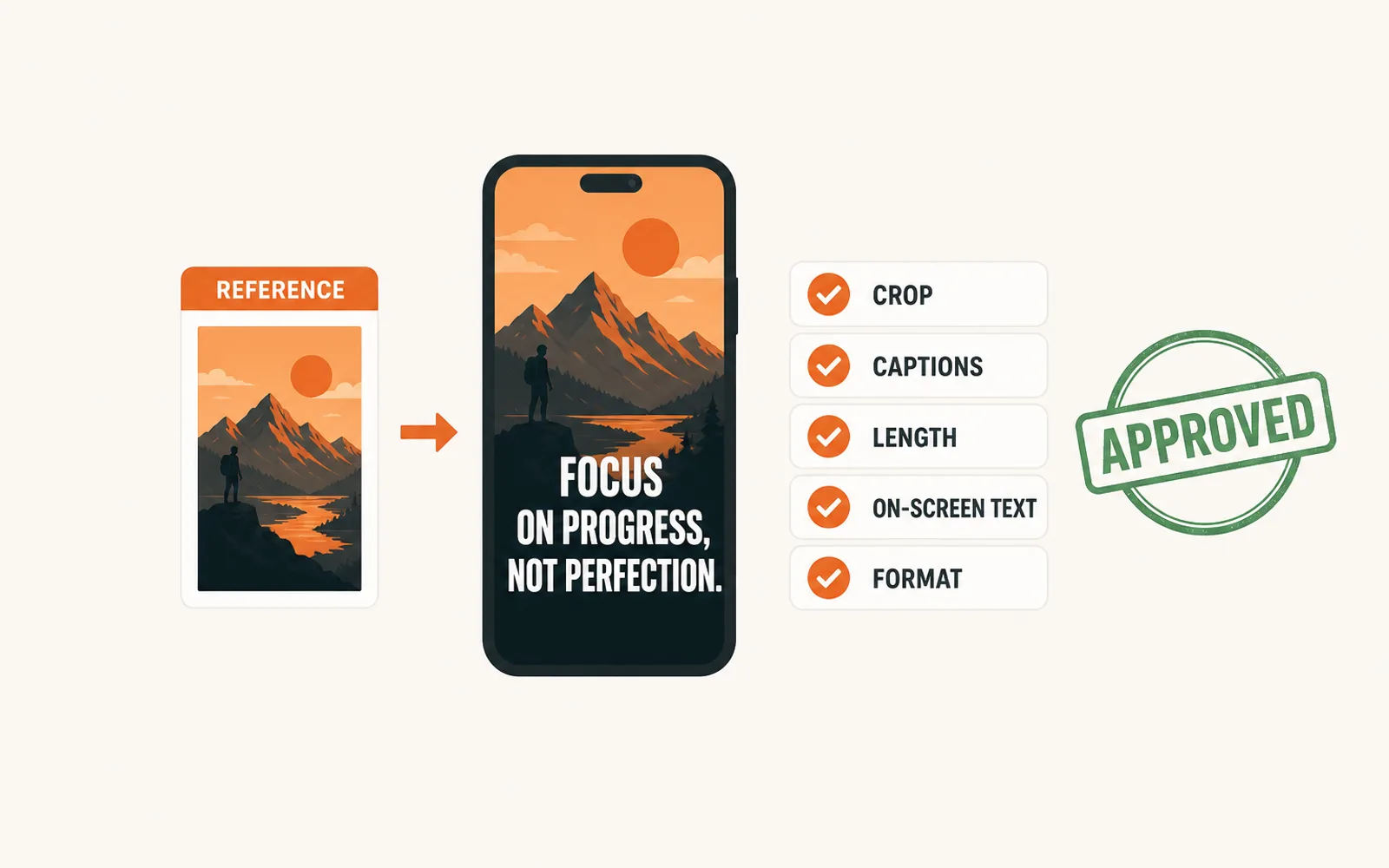
Clipping campaigns reject a clip when it does not match the campaign's written requirements — not when it is badly edited. The rejection almost always traces to five fields: crop, caption style, caption position, length, and on-screen text or delivery format. What follows is what the approval gate actually checks, why a rejected clip earns nothing however many views it gathered, and the sixty-second pass that stops most of these rejections before you export.
What a rejected clip actually means
A rejection is not a verdict on your editing. In a paid clipping campaign the campaign owner reads every submission and approves only the ones that follow the campaign's written requirements. Whop, whose Content Rewards app runs most of these campaigns, documents the review step in exactly those terms: the seller checks submissions to see whether creators have followed the requirements, approving the ones that do and rejecting the ones that don't (Whop's Content Rewards documentation).
That sentence explains most of the rejections clippers complain about. The gate is not "is this good?" It is "does this match what the campaign asked for?" A clip can be technically excellent — clean cut, well-paced, genuinely funny — and still fail, because it was cropped to a different frame or captioned in a different style than the campaign's own reference clip.
There is a second reason the refusal so often arrives without an explanation. The requirements are usually written down in the campaign brief, but the reference the owner is actually comparing against is the campaign's own previous posts — the ones already approved, already performing. A clipper working from the brief alone can hit every bullet written and still miss the thing nobody wrote down: how the accepted clips look.
The five mismatches that cause most rejections
Almost every rejection traces back to one of five fields. None of them is about editing skill. All of them are about the container the clip arrives in.
- Crop and framing — campaigns want 9:16 with the speaker centred and margin kept clear for the platform's own interface. A clip cropped tighter, or with the subject pushed against one edge, reads as the wrong format before anyone watches it.
- Caption style — font weight, size, capitalisation, and whether captions are burned in or delivered as a separate track. If the reference uses bold upper-third captions and yours are thin lower-third, the clip does not look like the campaign even when the words are identical.
- Caption position — the safe area is not decoration. Captions that sit under the platform's buttons or the comment bar get a submission sent back on appearance alone.
- Length — campaigns set a window, often something like 20 to 45 seconds. A clip that runs over it gets rejected even when the extra seconds are the best part of the take.
- On-screen text and delivery — a required handle, hashtag or disclosure, no unauthorised text, plus the resolution, codec and file name the campaign expects. This one is invisible inside the clip and is rejected at delivery.
Two of these you fix at the export screen, in one pass. Caption style is the field that drifts most often, because it is the one most easily changed mid-batch without noticing.
Put the campaign's reference clip and your export side by side at the same size, and the mismatches stop being subtle. That comparison is faster than reading the requirements twice, and it catches the fields the brief never named.
Approved views are the ones you get paid for
What a rejection costs is not the clip. It is the earnings the clip would have carried.
A clipping campaign pays per verified view, but only on approved submissions. Whop documents the sequence: the owner reviews submissions, approves the ones that meet the requirements, and only then does the platform start counting views against that post, with payment settling after a short hold. A submission that is rejected earns nothing, however many views it gathered before anyone looked at it.
The same documentation shows how the ceiling works. In Whop's own worked example, a campaign with a $3 reward rate and a $3,000 maximum payout stops earning once the video hits one million views. The cap is per submission, which is why a campaign pays for volume — many approved clips each drawing views — rather than for one luckier clip.
1M viewsWhere Whop's own worked example stops paying: a $3-per-1,000-views rate against a $3,000 maximum payout per submission. The cap, not the view count, is what decides what a clip is worth.
A rejected clip is therefore not a smaller payment. It is a zero, and it also consumed the slot a conforming clip would have filled. That is the arithmetic that makes the fix worth doing once instead of re-learning it per submission: the check is cheap, the rejection is not.
The same gating applies to disclosure. When the clip is paid promotion, a required disclosure is a condition of approval, not a style preference, and no view count makes up for a submission that failed on it (the FTC's endorsement guides set out what a paid promotion has to make clear).
Check your clip against the reference before you export
Sixty seconds of checking removes most rejections. Run it on the first clip of a batch, not on the twentieth.
- Open the campaign's own reference — the example post the brief points at, or the campaign's strongest approved clip — and put it next to your export at the same display size.
- Crop: is the subject in the same place, at the same scale, with the same margin left free at the top?
- Captions: same weight, same case, same third of the frame, burned in or tracked as required?
- Length: inside the window, respecting the floor as well as the ceiling?
- On-screen text: every element on the authorised list, and the required one actually present?
- Deliverable: resolution, codec and file name exactly as asked?
Then freeze the answers. The point is not to check each clip individually; it is to fix the container once so that from the second clip onward the check is a formality rather than an investigation.
The container itself is worth writing down rather than assuming. How to brief a video editor walks through the same six decisions from the side of whoever is commissioning the clips, and keeping captions consistent across a batch takes the field where drift is easiest to introduce and hardest to spot.
Automate the conformance, keep the judgement
The split is clean once you name it. Making a clip conform to a fixed container — crop, caption style and position, length, export format and file naming — is mechanical. It is the same five decisions applied identically to every clip in the batch. Choosing which moment deserves to be a clip is not mechanical, and no tool does it for you.
That first half is the half ClipFinish's clip production line takes: give it the source and the spec, and it returns the clips cut, captioned to the style you set and framed to the format you chose, in a single pass.
What it does not do is decide whether the clip matches the campaign's editorial reference — the tone, the kind of moment, the way the campaign talks about itself. If a campaign rejected your work because the moment was wrong, no amount of correct framing will fix that, and the tool will happily produce a batch of well-framed clips that are still wrong. That is the honest boundary: it removes the conformance work behind the mechanical rejections and leaves the judgement that causes the editorial ones.
The volume side of the same problem is worth reading before you scale up — how many clips a day a campaign expects — and the discipline of fixing a spec once rather than re-deciding it per clip is the subject of how to stop redoing your shorts.
FAQ
- Why was my clip rejected if the editing was good?
- Because approval checks conformance, not quality. The campaign owner is verifying that the submission follows the written requirements — crop, caption style and position, length, on-screen text, delivered format. A well-edited clip that misses one of those fields is rejected the same way a careless one is.
- Can I resubmit a rejected clip?
- Usually, if the campaign allows resubmission. Fix the specific field that failed and resubmit that version rather than rebuilding the clip from scratch; the moment and the cut were probably never the problem. Check the campaign's own terms, since not every campaign accepts a second submission.
- Do rejected clips still earn anything?
- No. Campaigns pay per verified view on approved submissions only. Views a rejected post gathered before or after the review are not paid, which is why the cost of a rejection is the whole earning the clip would have carried.
A rejection is rarely a verdict on your editing. It is a mismatch between your clip and the campaign's reference, in one of five fields: crop, caption style, caption position, length, or on-screen text and delivered format. Compare against the campaign's own approved clips before you export, freeze the answers for the whole batch, and the mechanical rejections stop arriving.
The half that is mechanical — crop, captions, format and naming, applied identically to every clip — is what ClipFinish's clip production line is built to take off your hands. The half that is judgement stays yours.