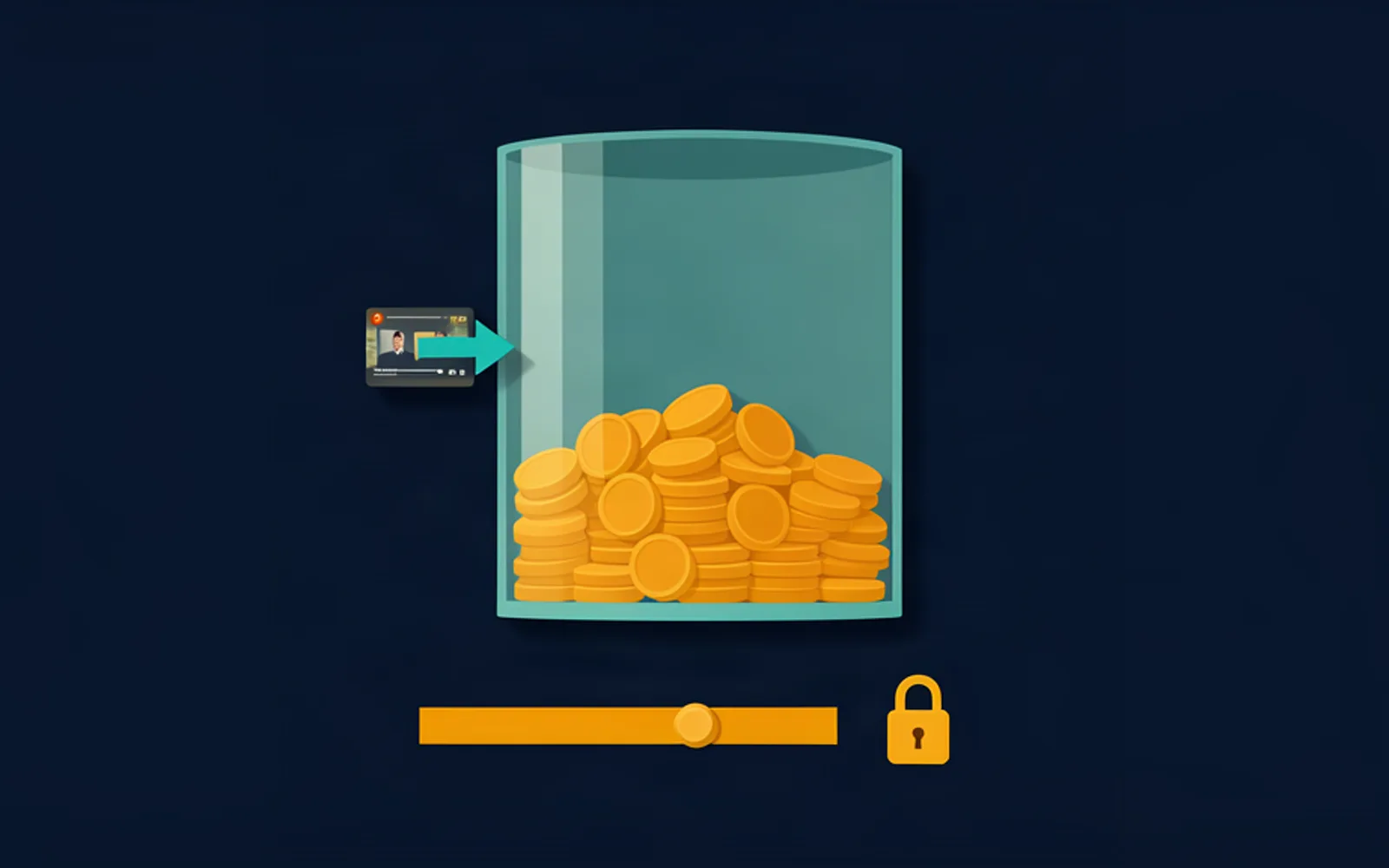
A clipping campaign stops paying when its budget is exhausted or its end date arrives, whichever comes first — which means the clips you post late can earn nothing at all. This article walks through the four numbers a campaign is built from, what a missed window actually costs, and how to organise the week so your clips land while there is still money in the pool.
A campaign pays until its pool empties, not until you stop posting
The money behind a clipping campaign is a single pool, funded up front by the brand. Whop's Content Rewards terms of service describe the mechanic without ambiguity: a participant is compensated at the agreed Rate until the Max Payout is met or the End Date is reached, whichever occurs first, and at that moment the offer and the transaction are closed. Views generated after that point are not compensated. Payments are also made on a first come, first served basis until the pool is fully paid out.
Put two clippers on the same source material with the same skill and they can still be paid very differently, purely because of when their clips went live. The pool does not evaluate your edit. It only reports its own state.
So the useful question is not "how much does this campaign pay?" but "how much is left, and how fast does it drain?". A campaign paying $1 per 1,000 views out of a $500 budget is buying 500,000 views in total, minus everything that gets rejected on the way. Once those views are claimed, the offer closes and the remaining work in your folder is worth nothing.
Campaigns also churn. A pattern operators describe publicly is a campaign going quiet inside a month with the budget half spent, the brand walking away without announcing anything. A window you were counting on can close with no notice, which makes early submission the one variable you fully control.
The four numbers that decide your pay
Before you accept a clipping campaign, four numbers decide what you can realistically earn from it. They all sit in the campaign setup, and Whop's own documentation defines each one.
Reward rate — what you earn per 1,000 views on an approved clip. It is the multiplier on everything else.
Campaign budget — the total the brand has committed, funded before launch. It is not a monthly allowance; it is the whole pool.
Minimum payout — the floor a single video has to reach before it enters the review queue at all. Whop's worked example: with a $3 rate and a $6 minimum payout, only videos with at least 2,000 views are reviewed. Below the floor, there is no review and no payment.
Maximum payout — a cap per video. Whop's second example: at a $3 rate with a $3,000 maximum payout, a video stops earning the moment it passes one million views, even if it keeps growing.
There is an optional fifth field: a flat fee bonus, paid on top of the view-based reward on every approved submission. For anyone working inside a window, the flat fee is the least volatile part of the deal.
If you want the ranges behind those fields rather than the fields themselves, we laid out what campaigns across the market actually pay per 1,000 views in how much clipping campaigns really pay.
What a missed window actually costs
Do the arithmetic on the window before you plan anything. Divide the pool by the rate and you get the number of views the campaign will ever pay for. A $500 pool at $1 per 1,000 views buys 500,000 views, full stop. That is the entire campaign, shared with every other clipper working it.
Two things drain that pool faster than newcomers expect. The first is sharing. On a campaign a network is pushing, your clip competes with dozens of others for the same remaining budget, and payment is first come, first served. The second is rejection. A clip that misses the brief does not simply fail to earn; it consumes the hours you spent and burns part of the window. An unrejected submission is eventually approved automatically, but a rejection is a zero.
There is a third factor almost nobody checks: "views" is not one number. Since 31 March 2025, YouTube counts a Short view when the video starts or replays, with no minimum watch time, while its revenue and eligibility metrics use the stricter "engaged views". Campaigns pay on whichever figure the brand's dashboard reports, so two campaigns can owe you different amounts for the same clip.
48 hHow long an unreviewed submission waits before Whop's automated review approves it, according to Whop's own campaign documentation.
Turnaround: how many clips you can really ship in a week
Turnaround is a scheduling problem before it is a talent problem. Break one clip down honestly: finding the moment, cutting it, burning captions and checking them word by word, reframing to 9:16 and verifying no face is cropped, exporting, writing the post copy, submitting. Every step is short. The sequence is not.
The expensive part is the restart. Every time you reopen the source, find your place again, reload the caption style and re-export for a single clip, you pay a fixed cost that does not shrink with the length of the clip. Run the pipeline one clip at a time and you pay it in full on every unit; run it as a batch and you pay it once. If a context switch costs you even three to five minutes of refocusing, fifteen one-at-a-time clips lose close to an hour to nothing at all.
Now put that against the window. If a clip takes roughly 35 minutes end to end, a one-at-a-time week yields maybe two a day. A batched pass over the same material — moments marked first, all cuts made, captions and reframing applied to the whole set, one export — routinely produces five to ten in a session. Same clips, same quality, different position on the budget clock.
That is why volume matters more inside a campaign than in ordinary posting. Here it is not vanity: it is the number of tickets you hold while the pool is still open.
The mechanics of that batched pass — every moment marked first, all the cuts then made together, captions and reframing applied once to the whole set — are the subject of how to batch edit clips.
Plan the week backwards from the budget clock
Build the plan backwards from the money rather than forwards from your task list.
- On acceptance, write the four numbers on one line: rate, budget, minimum payout, maximum payout — plus the end date.
- Divide the budget by the rate. That is the total number of views the campaign will ever pay for, and your real deadline.
- Estimate your throughput from the last seven days of actual output, not from what you intend to do.
- Book two batch sessions in the week, and treat the pool — not the end date — as the thing that closes.
- Submit inside each session as clips finish, never in one pile at the end of the week.
- Keep one buffer slot for the fix pass that rejected clips will cost you.
Two habits protect the plan. The first is reading the pool, not the calendar: on a campaign several people are working, the budget can be claimed days before the printed end date, so the pool is the real deadline and the date is only a ceiling. The second is submitting as you go. Holding a finished clip back to publish it "at a better hour" is a trade between a marginal timing gain and the risk that the pool closes under you; inside a budget window, that trade is almost never worth taking.
One thing the plan cannot fix: a campaign whose brief you cannot honour quickly. If a brand wants a format you have never produced, the first two clips will cost you triple, and those are the two clips you most needed to ship early. Take the campaign you can execute on day one. Before committing to a rhythm, it is worth comparing your estimate with how many clips a day a campaign realistically expects, which does the same arithmetic from the operator's side of the table.
Where a clip pipeline fits, and what it does not do
None of the above needs software to work. The four numbers are printed on the campaign page and the arithmetic fits on a napkin. What software changes is how much of the mechanical pass you can compress into the brief window.
Because the repetitive half of the work is not the judgement — it is the cutting to length, the caption burn, the reframe from wide to vertical with the speaker kept inside the frame, and the export of a whole set in one action. That is exactly the layer ClipFinish's clip production line covers: you keep choosing the moments, and the pipeline handles the conformance pass across a batch instead of one clip at a time.
ClipFinish's clip production line
Being precise about the limits, since they matter more than the pitch: it does not choose your moments, it does not read the campaign brief, and it cannot tell you whether a specific clip matches a specific brand's requirements. Those stay human, and on a campaign where a rejection is a zero they are the part worth spending your time on.
- How long does a clipping campaign last?
- Until the budget pool is exhausted or the end date arrives, whichever happens first. Whop's content rewards terms close the offer at that moment, so a campaign can end in practice well before the date printed on its page. Treat the pool, not the calendar, as the deadline.
- What happens when a campaign's budget runs out?
- The offer and its transactions are closed. Views generated after the pool is fully paid out are not compensated, and the payout runs first come, first served — so clips published earlier have already claimed their share.
- Can I be paid for views that arrive after the campaign closes?
- No. Compensation stops at whichever limit comes first, the maximum payout being met or the end date being reached. That is the single most common misunderstanding among clippers joining their first paid campaign.
- Do more clips always earn more?
- Not automatically, but inside a fixed window more approved clips mean more chances to claim part of the pool before it drains, and more shots at clearing the minimum payout. Volume is not a substitute for picking good moments — it is what protects you when one of them underperforms.
What to keep from all of this: a clipping campaign is a pool with a clock. Read the four numbers before you accept — rate, budget, minimum payout, maximum payout — divide the budget by the rate to see the whole campaign in views, and treat that number as your deadline rather than the end date. Then compress the mechanical pass so the window goes to the clips only you can choose. If you want that part handled in a batch rather than one export at a time, la chaîne de production de clips de ClipFinish is where we explain what it does and what it deliberately does not.